

Blog
Keycards vs. Mobile Access: Which Access Control System is Right for Your Office?

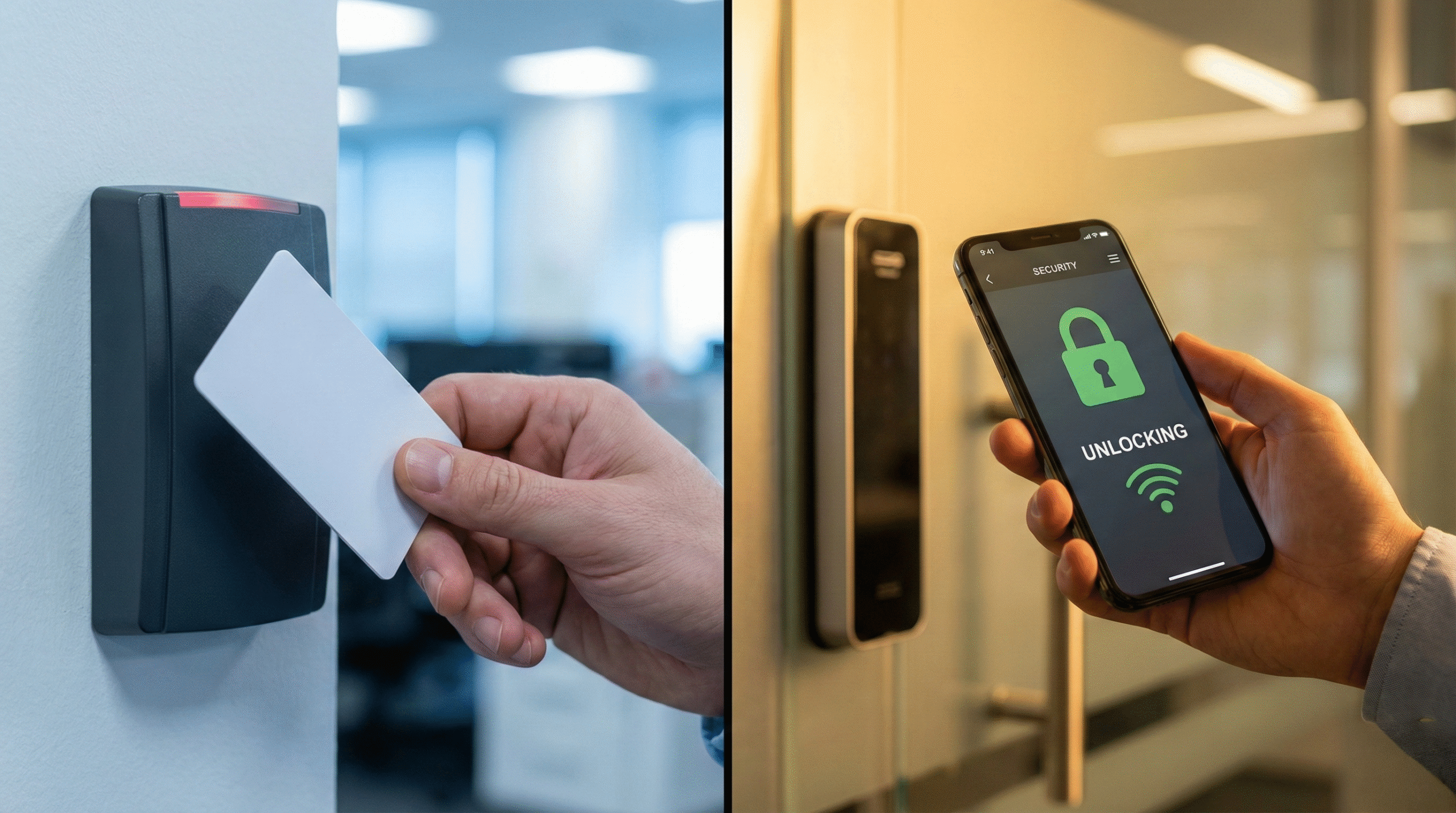
Choosing the right way to let people into your building is one of the most important security decisions you will make. For decades, the plastic keycard (RFID) was the undisputed king of office security. But in 2025, mobile credentials – using a smartphone to unlock doors—are rapidly taking over.
At EagleEye Freight, we install both systems across the US, and we often hear the same question: “Is it worth switching to mobile, or should we stick with cards?”
The answer depends on your company culture, budget, and security needs. In this guide, we break down the pros and cons of both systems to help you decide.
1. Traditional Keycards (RFID/NFC)
The Industry Standard
Keycards (or fobs) are the technology everyone knows. You issue a physical card to an employee, they tap it against a reader, and the door opens.
The Pros:
- Simplicity: No apps to download, no Bluetooth pairing issues. It just works.
- Battery-Free: Cards don’t run out of battery like smartphones do.
- Visitor Management: It is much easier to hand a physical guest card to a temporary visitor than to ask them to download an app for a one-hour meeting.
- Lower Initial Cost: Standard RFID readers are generally cheaper than advanced Bluetooth/NFC mobile readers.
The Cons:
- Security Risks: Cards are easily lost, stolen, or cloned. If an employee drops their card in the parking lot, anyone can pick it up and walk in until you deactivate it.
- Management Headache: You have to buy physical stock. When a new employee starts, you need a printer or a supply of cards. When they leave, you have to get the card back.
- “I Forgot My Card”: This is the #1 complaint. Employees forget cards at home, forcing the receptionist to buzz them in all day.

2. Mobile Access (Smartphone Credentials)
The Modern Solution
Mobile access allows employees to use their iPhone, Android, or Apple Watch to unlock doors via Bluetooth (BLE) or NFC.
The Pros:
- Higher Security: People rarely share their phones, unlike cards. Plus, phones are protected by FaceID or passcodes. Even if a phone is stolen, the thief likely cannot open the app.
- Convenience: Nobody forgets their phone. It is always in their hand or pocket.
- Remote Management: You can issue a “key” to a new freelancer in California instantly via email, and revoke it just as fast. No shipping physical cards.
- Touchless Entry: Many modern systems allow “Wave to Unlock” or detect the phone in a pocket, so you don’t even have to touch the reader—a huge plus for hygiene.
The Cons:
- Battery Dependency: If the phone dies, the employee is locked out (unless they have a backup code).
- Compatibility: While rare now, some older phones might have issues with Bluetooth signal strength.
- Higher Upfront Cost: The readers need to be “mobile-ready,” which can be slightly more expensive than basic RFID readers.

3. The Comparison: Cost vs. Convenience
When making a decision, consider the Total Cost of Ownership (TCO), not just the price of the reader.
| Feature | Keycards | Mobile Access |
| Hardware Cost | Low | Medium |
| Cost per Credential | $3 – $10 per card (ongoing cost) | Usually a yearly software license (subscription) |
| Admin Time | High (printing, handing out, retrieving) | Low (email links, instant revocation) |
| Security Level | Medium (Cloning risk) | High (Biometric protection) |
| User Experience | Average | Excellent |
4. Why Not Both? (The Hybrid Approach)
Here is the secret: You don’t have to choose.
Most modern access control readers that EagleEye Freight installs are hybrid. They support Bluetooth and standard RFID cards simultaneously.
This is often the best strategy for mid-sized businesses:
- For Employees: Give them mobile access. They love the convenience, and you save money on buying plastic cards.
- For Contractors/Cleaners: Issue physical cards. They don’t need your app on their personal phones, and you can easily collect the card when the job is done.
- For Backup: Employees can keep a spare card in their wallet in case their phone battery dies.

5. Security Protocols You Need Regardless of System
Whether you choose plastic or digital, the system is only as secure as your protocols.
- Immediate Deactivation: When an employee is fired or quits, their access must be revoked within minutes. Mobile systems make this instant; card systems require you to log into the server.
- Audit Trails: Do you check the logs? Your system should tell you who entered the server room at 2:00 AM.
- Two-Factor Authentication (2FA): For highly sensitive areas (like server rooms), require both a card/phone AND a PIN code.
Conclusion: Ready to Upgrade?
If your office is still using “mag-stripe” cards from the 90s, you are vulnerable. Upgrading to a mobile-ready system not only improves security but also impresses clients and makes life easier for your team.
At EagleEye Freight, we specialize in transitioning businesses from legacy systems to modern, cloud-based access control.
Not sure if your current doors are compatible with mobile?